

Start without sign-up
Begin organizing records on your iPhone without creating an account first.
Feature
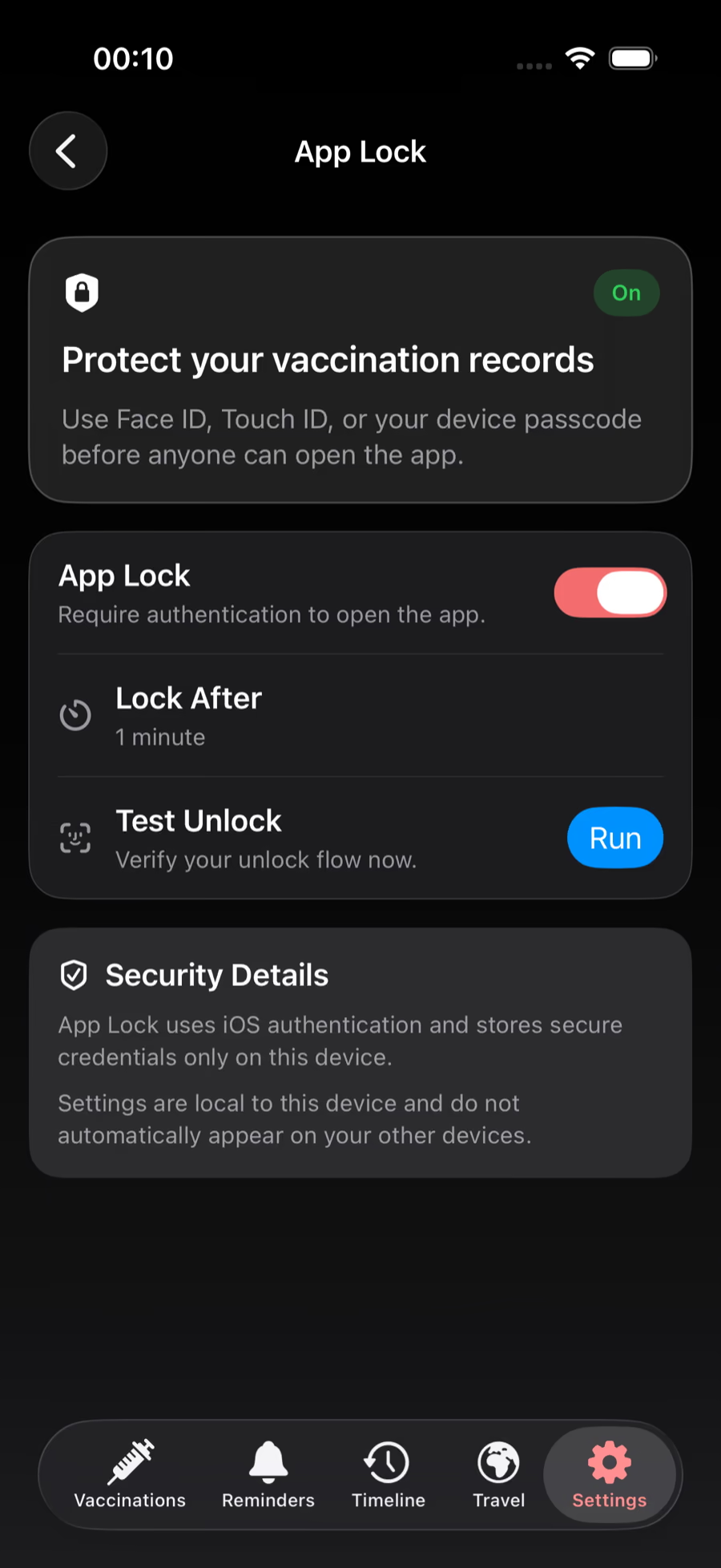
Keep records on your iPhone by default, protect access with App Lock, and choose optional Cloud Sync with Plus when you need another device.
Family vaccine records are sensitive, so the app starts from a local-first model instead of forcing a portal-style account flow.
Use App Lock for another layer on your device, and turn on Cloud Sync only when you want records available across your own devices.
Begin organizing records on your iPhone without creating an account first.
Turn sync on when cross-device access is worth it for your household.
Use App Lock as an added barrier for sensitive record details.
Privacy
Records are stored on your device by default. Optional Cloud Sync is a Plus feature and requires sign-in; each device chooses whether to participate. Exported or shared files have their own storage and recipients.
Vaccine Ready is an iPhone app. Check its App Store listing for current device and iOS compatibility before downloading.
Ask a previous clinic, school, or record holder for a copy of documented vaccinations and track the reply.
Keep a list of source documents and follow-up tasks for each person or pet, without guessing missing vaccine dates.
Vaccine Ready organizes records, reminders, exports, and guidance. It is not medical advice or an official registry.
Download Vaccine Ready to organize records, reminders, and proof in one private iPhone app.