

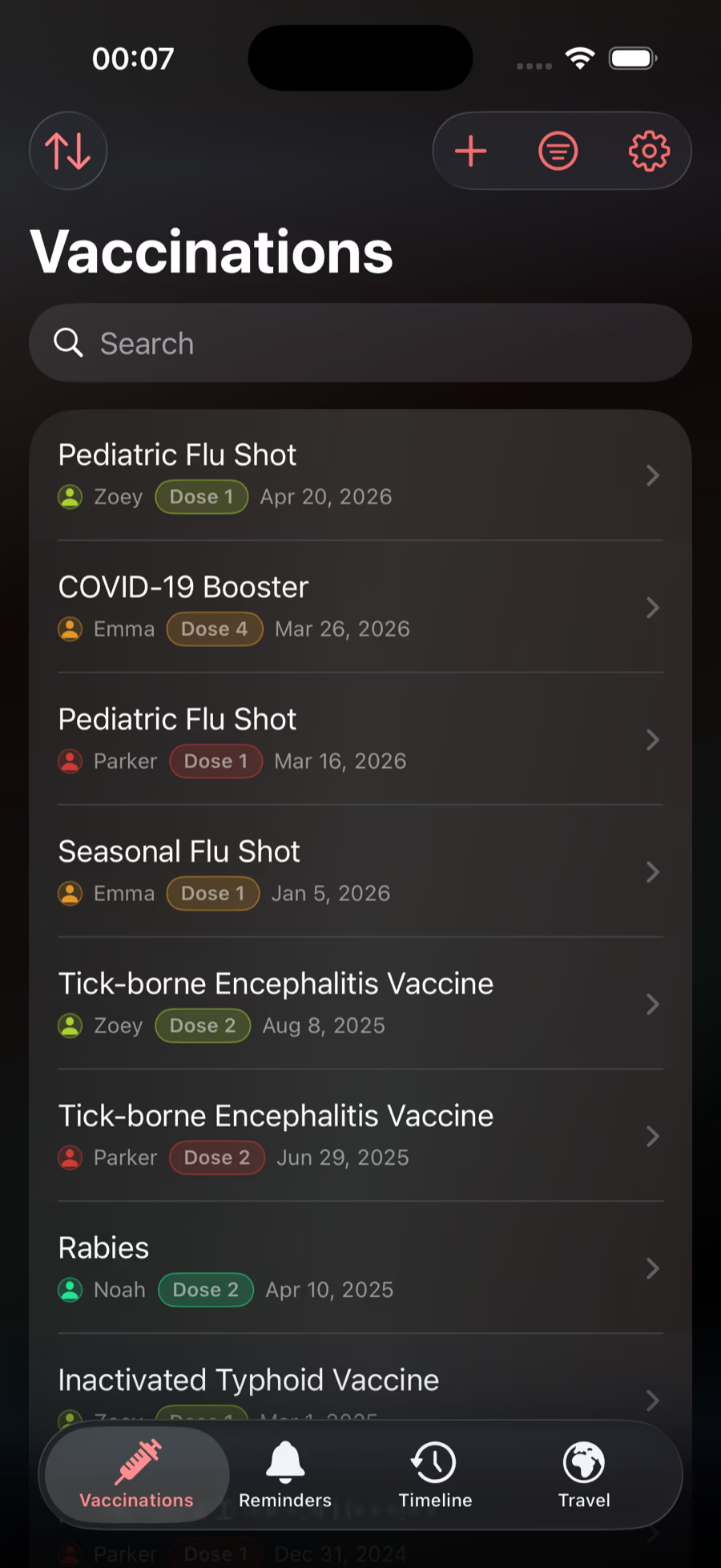
One view per profile
Review one person's history without sorting through the rest of the household.
Feature
Scan paper vaccine cards and organize saved doses by profile. Find dates and records quickly when school, travel, or a clinic asks.
Give every person or pet a clear vaccine history instead of spreading details across paper cards, photo rolls, and old portal screenshots.
Add records manually or scan older cards, then keep dates, doses, notes, and attachments attached to the right profile.
Review one person's history without sorting through the rest of the household.
Move details out of drawers, folders, and screenshots before the next request.
Keep dates, dose context, providers, notes, and attachments in the same record.
Vaccination Records
Fictional example: a caregiver needs Nora’s vaccination record for a school request.
App screenshots contain demonstration records. This example explains organization, not a vaccination schedule or an official certificate.
Do not invent a date. Keep the source and ask its issuer to clarify before treating the entry as confirmed.
No. Add existing records yourself or scan a card, then check the recognized names, dates and doses against the source. Keep missing information marked as unknown and request official copies from the provider.
Free includes one person or pet, unlimited records, card scanning, timeline, local reminders and App Lock. Vaccine Ready Plus adds unlimited profiles, optional Cloud Sync and PDF exports. Email and text reminders are upcoming.
Ask a previous clinic, school, or record holder for a copy of documented vaccinations and track the reply.
Keep a list of source documents and follow-up tasks for each person or pet, without guessing missing vaccine dates.
Vaccine Ready organizes records, reminders, exports, and guidance. It is not medical advice or an official registry.
Download Vaccine Ready to organize records, reminders, and proof in one private iPhone app.