

How to stay ahead of vaccine reminders without carrying it all in your head
Create reminders from confirmed dates or agreed follow-up actions. Include the person, source, and what to do when the alert arrives.
This guide serves international families. CDC links describe the United States; local record systems, enrollment requirements and destination rules must be checked with the responsible authority where you live or travel.
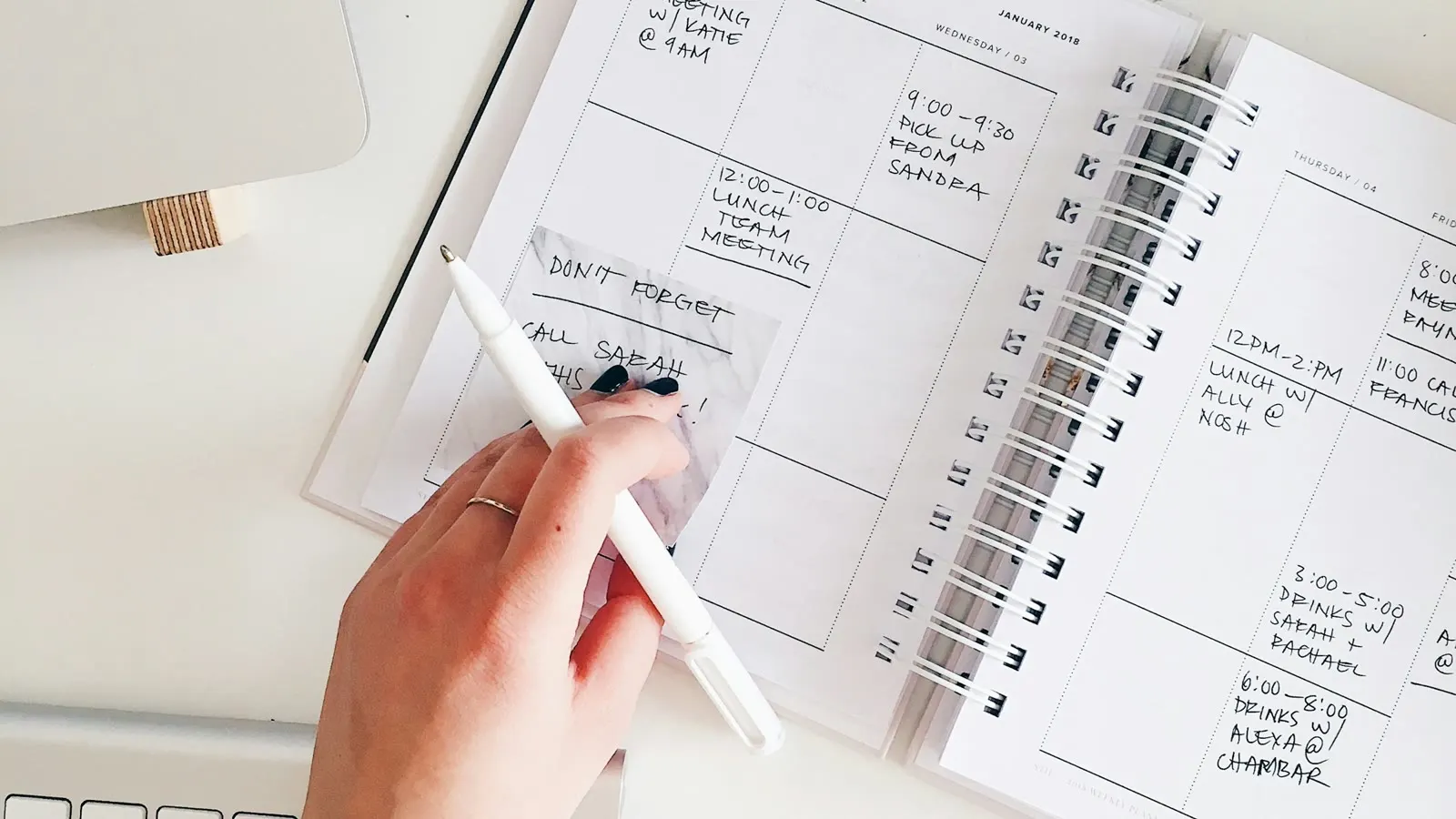
Create reminders from confirmed dates or agreed follow-up actions. Include the person, source, and what to do when the alert arrives.
Good reminders reduce mental load. Poor reminders move it into the future.
The aim is not to predict every vaccine a person will need. Recommendations depend on age, location, health history, previous doses, travel, work, and other factors. A healthcare professional and current official guidance should determine the medical plan. Your household system should preserve context and make the next administrative step easier.
Separate medical dates from planning dates
Not every date in a reminder has the same authority. Label it clearly.
A date may be:
- an appointment confirmed by a clinic
- a follow-up date written in a provider’s instructions
- an official deadline for a form or trip
- a personal date to review the record
- an estimate that still needs confirmation
“Review in September” is different from “Dose scheduled for 18 September at North Clinic.” When reminders blur those meanings, families can mistake a planning prompt for medical guidance.
Include the source in the note: “Review date copied from clinic discharge summary,” or “Personal check before travel booking.” If you cannot identify the source, verify it before treating the date as confirmed.
Build reminders from four parts
Every useful reminder should answer:
- Who? Name the family member.
- What? Describe the next action, not only the topic.
- Why now? Record the source or event behind the timing.
- Who owns it? Assign the caregiver responsible for closing it.
Compare these two alerts:
Booster
Ask Lakeside Clinic whether Ana needs the follow-up discussed at her June visit. Jordan owns the call.
The second reminder does not make a medical claim. It gives the household something concrete to do.
Use more than one reminder only when each has a job
Five identical notifications are easy to swipe away. A small sequence can work better:
- Review reminder: enough time to find the record and contact the clinic
- Preparation reminder: close to a confirmed appointment, with address and documents
- Follow-up reminder: after the visit, to save the official record and note provider instructions
Do not create all three by default. Use the smallest number that changes what you will do.
For travel, school, or employment paperwork, work backward from the external deadline. For clinical timing, use only dates confirmed by a qualified source.
Keep the record close to the reminder
An alert without supporting information can create a scavenger hunt. Store or link enough context to answer:
- What documentation do we already have?
- Which provider gave the previous dose?
- Is this our personal copy or an official record?
- What uncertainty still needs clarification?
Personal apps and folders are useful working copies, but they are not automatically official records. Keep the provider or registry source visible. The CDC advises people in the United States to start with vaccination providers and other record holders when official copies are needed; equivalent systems vary by country and region.
Vaccine Ready can help keep a private working record and reminder together under the right profile. Confirm important details against the original documentation before sharing or acting on them.
Give every open reminder a state
Many reminder lists become stressful because completed, uncertain, and overdue items look the same. Use a simple status:
- Needs verification — the record or date is unclear
- Ready to book — the provider has confirmed the next step
- Booked — appointment details are complete
- Waiting — a clinic or registry has been contacted
- Complete — the visit happened and the record was filed
“Overdue” describes timing, not the next action. If something is overdue, decide whether it needs verification, booking, or record cleanup.
Review the system before predictable transitions
Weekly checks catch routine tasks. A deeper review helps before moments that tend to expose missing information:
- moving or changing healthcare providers
- a child starting school or childcare
- a family member entering university or a new occupation
- pregnancy or a new baby in the household
- caring for an older relative
- international travel
- a separation, custody change, or change in caregiver access
Review records early enough to request missing documents. Do not wait until a form or departure date turns the search into an emergency.
If adult records are incomplete, follow How to rebuild an adult vaccine history. For a repeatable household check, use the 10-minute weekly routine.
Remove reminders that no longer help
More alerts do not equal more readiness. Once a month, delete or archive:
- duplicates
- reminders for completed tasks
- alerts with no identifiable person
- estimated dates replaced by confirmed information
- old follow-up notes already incorporated into the record
If you repeatedly dismiss the same alert, change the action or timing. “Call clinic” at 8 a.m. during the school run is not a useful design. Move it to a planning window when the clinic is open and the responsible caregiver can act.
Use a calm recovery rule
When a reminder is missed, do not duplicate it endlessly or guess a new clinical date. Return to the source record, contact the provider when needed, and create one current next action. Official catch-up policies exist for delayed vaccination; the appropriate schedule should be interpreted by a professional using the person’s age and history.
The missed reminder guide walks through that process without guilt or guesswork.
Your system is working when you can forget safely
The goal is not constant awareness. It is being able to put the subject down because the right information will return at a useful time.
A trustworthy reminder system has clear sources, specific actions, visible ownership, and a short review habit. It helps you ask better questions and keep records ready. It does not replace the people and official guidance responsible for medical decisions.
Official resources
Useful next steps
Use Vaccine Ready to keep checked copies with the right profile. It does not automatically retrieve a complete official history. PDF export requires Plus; a personal export does not replace an official document when one is required.
Free record resources
- Vaccination-record request template
Ask a previous clinic, school, or record holder for a copy of documented vaccinations and track the reply.
- Printable family and pet record organizer
Keep a list of source documents and follow-up tasks for each person or pet, without guessing missing vaccine dates.
PDFs use the information you save and may not replace official documents required by a clinic, authority, airline, or border process.
Features for family vaccine readiness
Vaccine reminders that fit family life
Set local vaccination reminders on iPhone, snooze an alert, and keep the next dose linked to the right person or pet. Local reminders are included in Free.
Keep vaccination records in one private place
Scan paper vaccine cards and organize saved doses by profile. Find dates and records quickly when school, travel, or a clinic asks.
Reminders and routines
Printable family and pet record organizer
Keep a list of source documents and follow-up tasks for each person or pet, without guessing missing vaccine dates.
Vaccination-record request template
Ask a previous clinic, school, or record holder for a copy of documented vaccinations and track the reply.
Adult vaccine records: how to rebuild your history when the paperwork is missing
Find adult vaccination records through previous providers and available official systems. Keep uncertain dates unknown and ask a provider to review gaps.